Ask M. Just Got a Power Boost: Your AI Financial Assistant Levels Up
Our AI-powered Ask M. now understands your actual financial data. Ask about your expenses, revenue trends, and get personalized insights—all in natural conversation.
Ask M. Just Got a Power Boost: Your AI Financial Assistant Levels Up
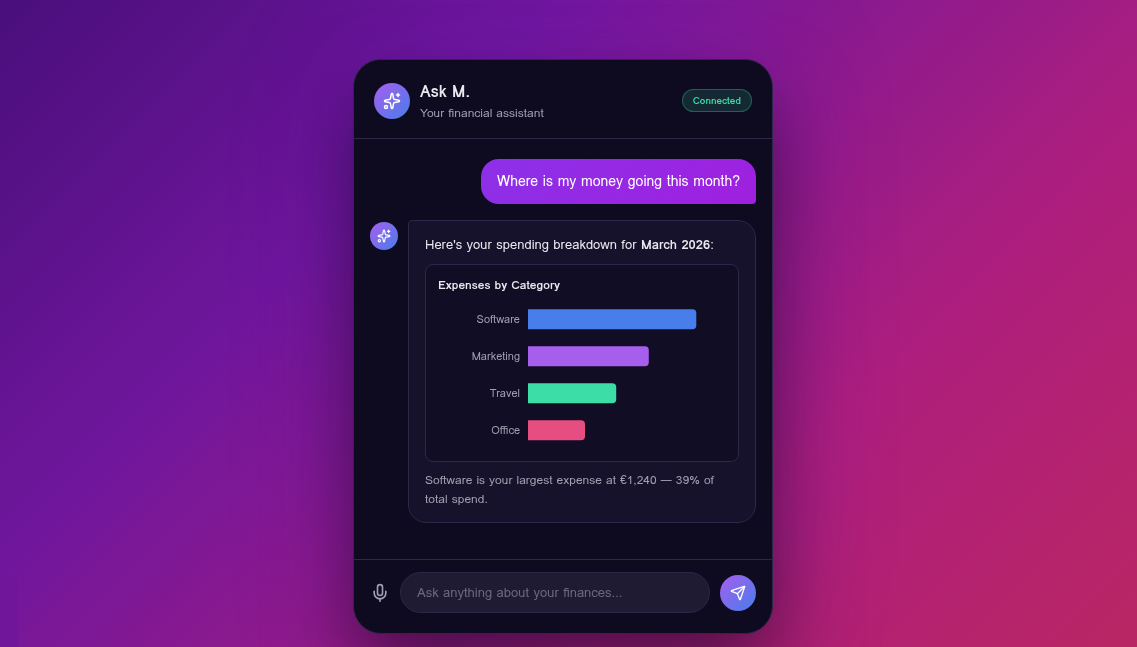
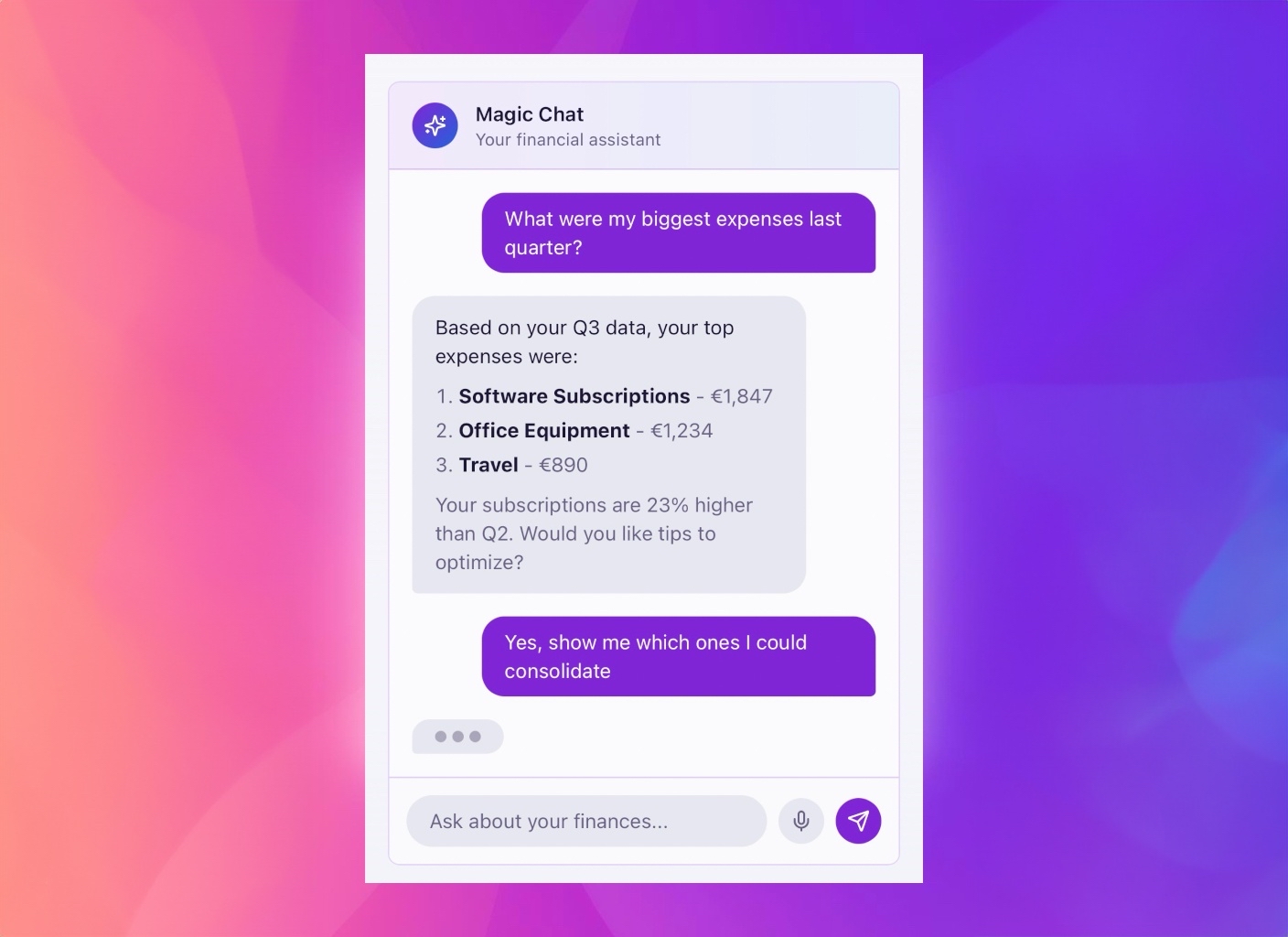
We've supercharged Ask M. with something you've been asking for: the ability to actually understand and analyze your real financial data.
No more generic answers. Now Ask M. knows your numbers.
From Helpful to Truly Personal
When we first launched Ask M., it was great at explaining features, guiding you through the app, and answering general questions about financial management. But we heard you: "Can it actually look at my data?"
Now it can.
With a simple toggle in your Settings, Ask M. transforms from a helpful assistant into your personal financial analyst. It can see your:
- 📊 Expenses and spending patterns
- 💰 Revenue from all sources (Stripe, Gumroad, manual invoices)
- 📄 Invoices—including what's paid, pending, and overdue
What You Can Ask Now
Here's where it gets powerful. Instead of generic advice, you get answers based on YOUR numbers:
Real Questions, Real Answers
| Before | Now |
|---|---|
| "How do I track expenses?" | "What were my top 3 expense categories this month?" |
| "What is invoice tracking?" | "Do I have any invoices overdue by more than 30 days?" |
| "How does revenue work?" | "How much did I make from Stripe vs Gumroad this quarter?" |
Just ask naturally. Ask M. understands context:
- "Am I spending more on software this month compared to last?"
- "Show me my revenue trend for the past 6 months"
- "What percentage of my invoices get paid within 14 days?"
- "Which customers owe me the most right now?"
How to Enable It
Getting started takes 10 seconds:
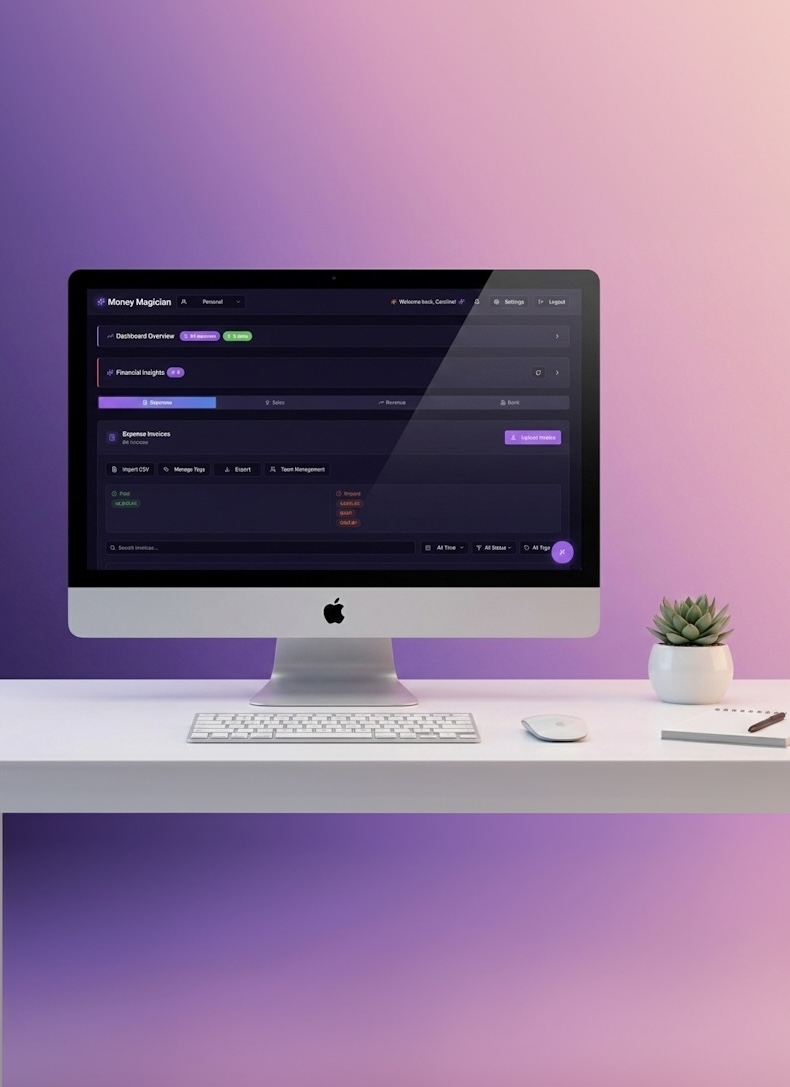
- Go to Settings in your dashboard
- Find Privacy & Data section
- Toggle on "Allow Ask M. to access financial data"
- Start chatting!
That's it. No complicated setup, no API keys, no extra costs.
Privacy First, Always
We know your financial data is sensitive. Here's how we keep it safe:
✅ Opt-in only — Ask M. never accesses your data unless you explicitly enable it
✅ No conversation storage — Your chats disappear when you close them
✅ Secure processing — Data is analyzed in real-time and never stored separately
✅ You're in control — Disable access anytime with one click
We built this feature because we believe AI should make your life easier—without compromising your privacy.
Why This Matters
Managing finances as an independent professional is hard. You're juggling invoices, tracking expenses, watching revenue from multiple platforms, and trying to make sense of it all.
Ask M. with data access means:
🎯 Instant answers instead of digging through reports
📈 Spot trends before they become problems
⏰ Save time on financial analysis
💡 Make better decisions with AI-powered insights
Think of it as having a financial analyst on call 24/7—one who knows your business inside and out.
Try It Now
Ready to experience the power boost? Log in to your dashboard, enable financial data access in Settings, and start a conversation.
Ask M.: "Give me a quick summary of my finances this month"
You might be surprised how much it already knows.
Have questions or feedback about the new Ask M.? Reach out at support@moneymagician.eu—we'd love to hear how you're using it!
Frequently Asked Questions
What can ask M. do with my financial data?
When you enable financial data access, Ask M. can analyze your actual expenses, invoices, and revenue. It provides personalized insights like spending patterns, overdue invoice alerts, and revenue trends—all through natural conversation.
Is my financial data secure with Ask M.?
Absolutely. Your data is only accessed when you explicitly enable it in Settings. Conversations are not stored, and your financial information is processed securely without leaving your dashboard environment.
Do I need to upgrade to use Ask M. with my data?
Ask M. is available on all plans. The new financial data integration is included—just enable it in your Settings under Privacy & Data to get started.
What kind of questions can I ask?
You can ask anything about your finances: 'What were my biggest expenses this month?', 'How much revenue did I make from Stripe?', 'Do I have any overdue invoices?', 'What's my spending trend this quarter?' Ask M. understands context and provides actionable answers.