Talk to Your Finances: Magic Chat & Claude Desktop Just Got Smarter
Magic Chat now shows charts right in the conversation. Plus, connect Claude Desktop or Jan AI to browse your invoices, spending, and tax data hands-free.
Your AI Assistant Just Learned Some New Tricks
We've made two big improvements this month: Magic Chat (our built-in AI assistant) now shows charts right in the conversation, and our Claude Desktop integration has learned a lot more about your finances.
Magic Chat Now Shows Charts
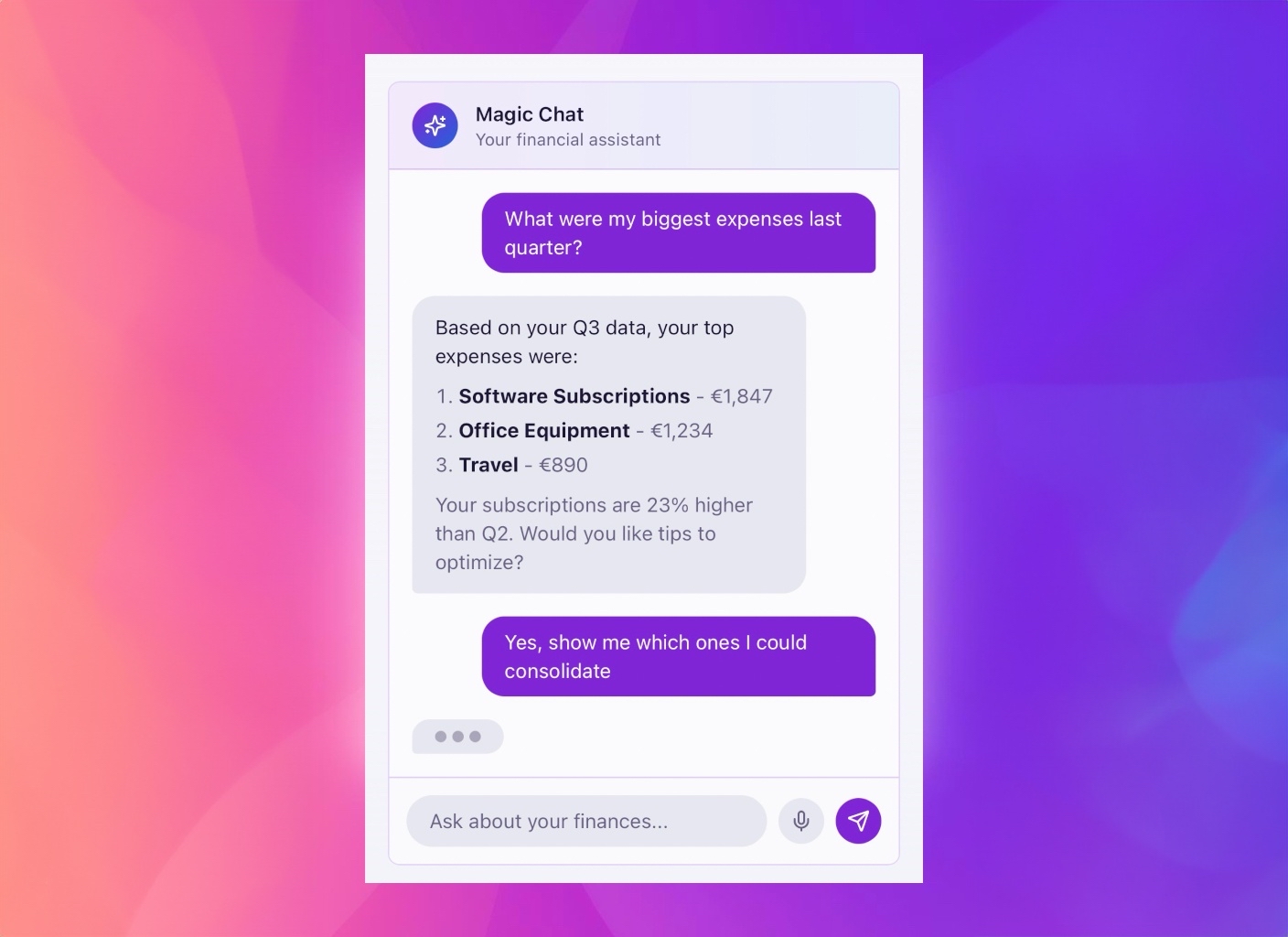
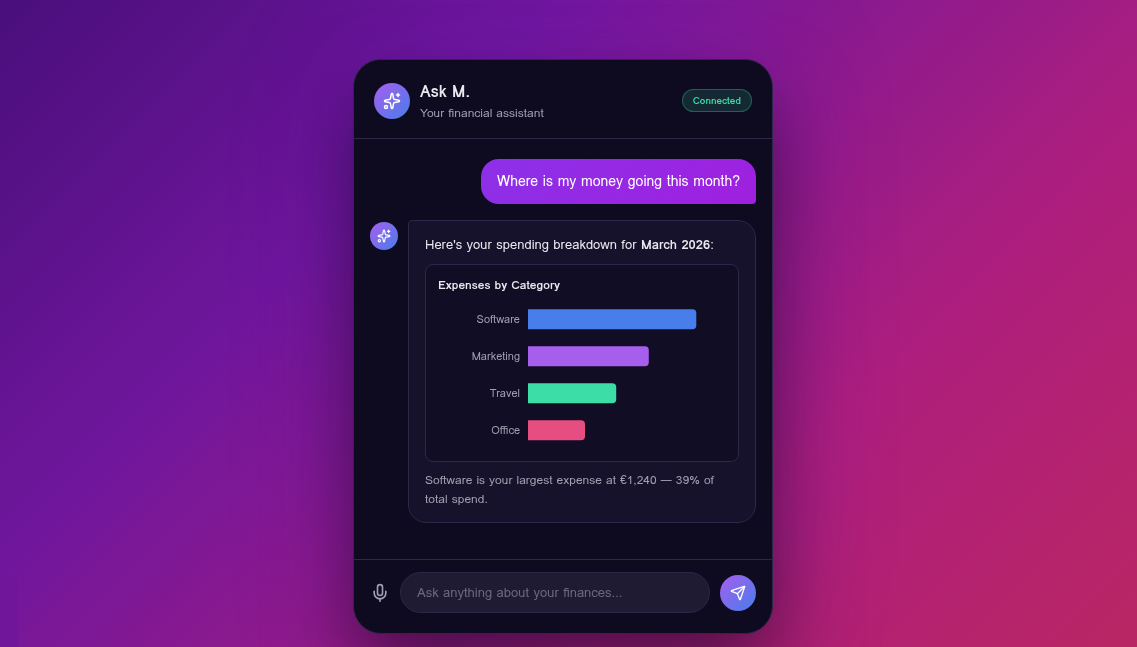
When you ask Magic Chat a question that involves numbers — like "What are my biggest expenses this quarter?" — it can now display a small bar or pie chart directly in the chat bubble.
You don't need to do anything special. Just ask your question naturally:
- "Show my top 5 vendors by spending" → you'll see a horizontal bar chart
- "What's my expense breakdown by category?" → you'll get a donut chart
- "Compare my January vs February revenue" → side-by-side bars
The charts are interactive (hover for details) and always come with a written explanation too. Think of them as a quick visual snapshot without leaving the conversation.
Smarter Answers With Tags
Magic Chat now understands your invoice tags and categories. Previously, if you asked "How much did I spend on marketing?", the AI had to guess based on vendor names. Now it reads the tags you've actually assigned, so answers are much more accurate.
Try questions like:
- "Show all invoices tagged 'Lovable' this year"
- "What's my total SaaS spending?"
- "How much did I spend on contractors in Q1?"
Claude Desktop Integration: More Tools, Safer Answers
If you use Claude Desktop, you can connect it to Money Magician so Claude can browse your financial data directly. No copy-pasting spreadsheets — just ask Claude in natural language.
What is MCP?
MCP stands for Model Context Protocol. It's an open standard that lets AI assistants (like Claude) securely connect to apps (like Money Magician) and read your data with your permission. Think of it like giving Claude a read-only window into your finances.
What Can Claude Do With Your Data?
The integration now supports 13 different queries, including some new ones:
- Profitability — "Am I profitable this quarter?" (factors in cost of goods sold)
- Tax position — "What's my VAT situation for Q1?"
- Reconciliation — "Which invoices haven't been matched to a bank transaction?"
- Top customers & vendors — "Who are my biggest clients by revenue?"
Claude also handles multiple currencies safely. If you invoice in both EUR and USD, Claude will flag that amounts can't be directly compared and will show you the actual settlement amounts where available.
Easy to Set Up
Connecting takes about two minutes:
- Go to Settings in Money Magician
- Open the MCP Integration section and generate an API token
- Follow the setup guide (linked right there in the app) to add Money Magician to Claude Desktop
- Restart Claude Desktop — done!
No coding required. No passwords shared. You can revoke the token at any time.
Privacy-First Option: Jan Desktop
Prefer to keep everything local? The integration also works with Jan Desktop, which runs AI models entirely on your computer. Your financial data is fetched from Money Magician, but all the AI thinking happens on your machine — nothing is sent to a cloud AI provider.
What's Coming Next
We're working on cash flow predictions (based on your invoice patterns and recurring expenses) and smart matching suggestions (AI-powered pairing of bank transactions with invoices). Both will work through Magic Chat and Claude Desktop.
Questions? Just open Magic Chat and ask — it's the fastest way to get help.
Frequently Asked Questions
What is MCP and why should I care?
MCP (Model Context Protocol) is an open standard that lets AI assistants like Claude talk to other apps securely. For you, it means you can ask Claude questions about your invoices and spending without copy-pasting anything — Claude reads your Money Magician data directly.
How do I connect Claude Desktop to Money Magician?
Go to Settings inside Money Magician, open the MCP Integration section, and generate an API token. Then follow the short setup guide — it takes about two minutes and doesn't require any coding. Full instructions are available inside the app under the MCP setup guide.
What are the inline charts in Magic Chat?
When you ask Magic Chat something like 'Show my spending by vendor this quarter', it can now display a small bar or pie chart right inside the chat bubble. You still get a written answer too — the chart is just a quick visual to make patterns easier to spot.
Can I use a local AI instead of Claude?
Yes! Money Magician also works with Jan Desktop, which runs AI models entirely on your computer. Your financial data never leaves your machine during the conversation. It's a great option if privacy is a top priority.